Every order arrives ready to print
Composerie attaches a production-ready file to every personalized order, built from the design the customer made on your store. It can go to Printful, Printify or MerchOne once you have mapped the product, or stay in your dashboard if you print in-house.
30-day free trial. Cancel anytime.
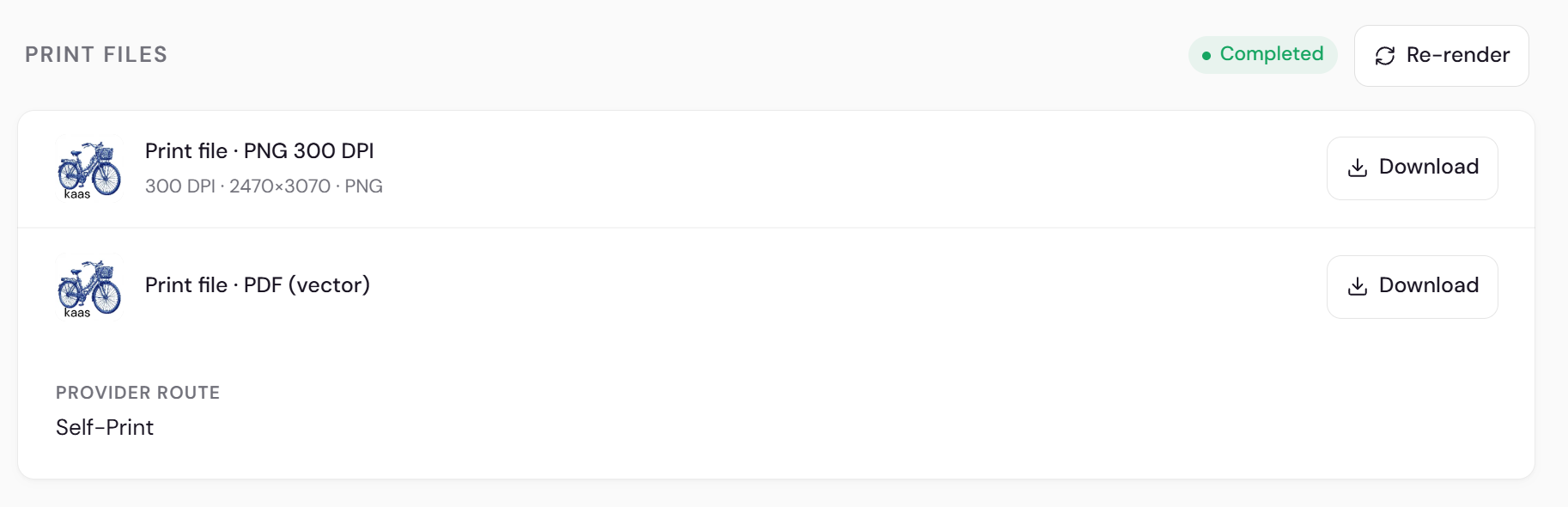 The file, already on the order
What does your printer actually receive?
The moment a customer checks out, their design becomes the production file for that exact order. It sits on the order in your dashboard, named and sized for the product, with nothing left to rebuild by hand.
- Built from the design your customer approved
- Named after the order, so files never get mixed up
- Sized to the product's print area
- A PNG and a PDF per printed side, at the target size and with the bleed your print partner asks for

How do orders reach your print partner?
Connect a print provider so eligible, mapped orders can be routed; then verify provider acceptance. You can connect Printful, Printify or MerchOne and pick the partner for each product.
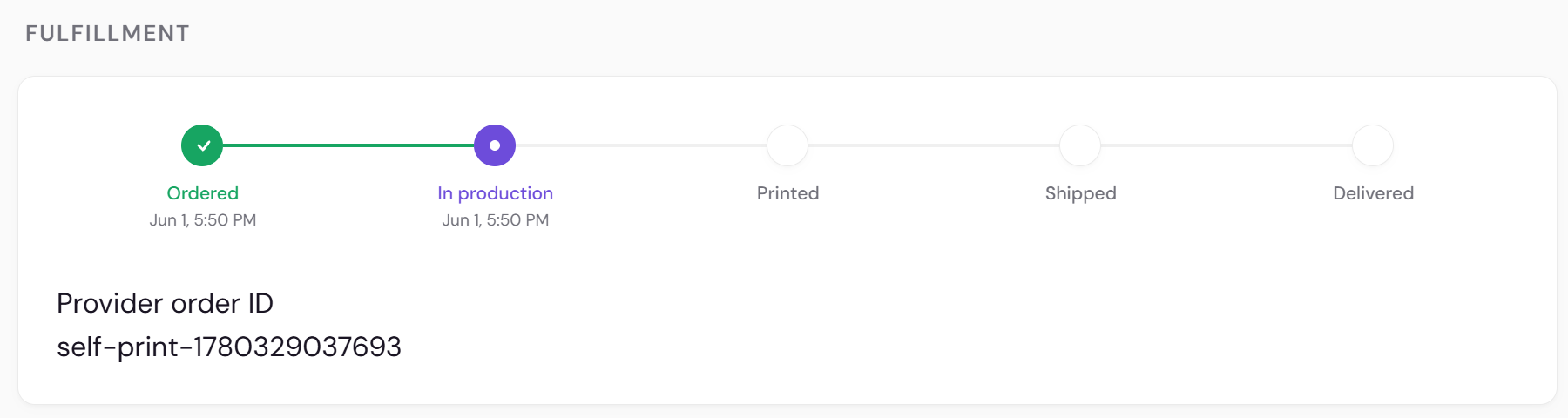
What if you do the printing yourself?
Switch a product to self-print mode and the file comes to you instead. Download it from the order, send it to your own press, and mark the order fulfilled when it ships.

How do you know every order went through?
Each personalized order shows its file and fulfillment status in one dashboard list. Open any order to see the design, download the file again, or check how far along your print partner is.
Questions, answered
Which print partners can I connect?
Printful, Printify and MerchOne. Connect the ones you use and map each product to one of them, then send a test order and confirm the partner accepted it before you go live.
What if my printer isn't one of the three?
Use self-print mode. The production file lands on the order in your dashboard, and you download it and hand it to any printer you like.
Does the file match what the customer saw?
The production file is built from the same design the customer approved in the live preview. Open it on the order and check it before it goes to print.
Does this work outside Shopify?
Not yet. Composerie runs on Shopify today, so orders flow in from your Shopify store.
Works together with
Ship the design, skip the file prep
Connect your store, set up one product, and the first print-ready file arrives with your first personalized order.
30-day free trial. Cancel anytime.