Getting Started with Composerie: Your First Personalized Product
Learn how to set up your first personalized product on Composerie — from connecting your Shopify store to launching your customizer.
Composerie Team
Composerie team
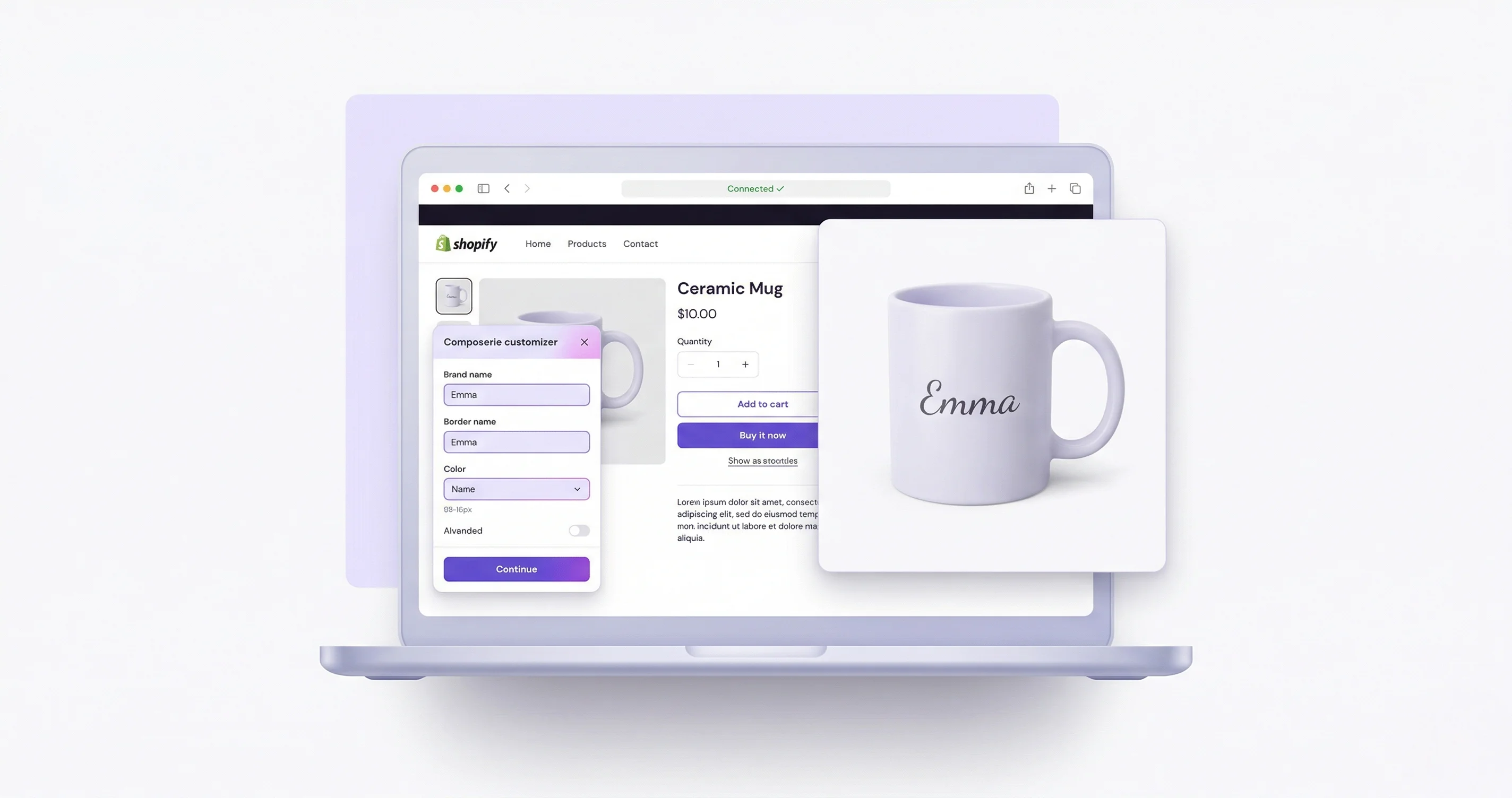
Getting Started with Composerie
Welcome to Composerie! This guide walks you through creating your first personalized product — from account setup to a live customizer on your Shopify store.
Step 1: Connect Your Shopify Store
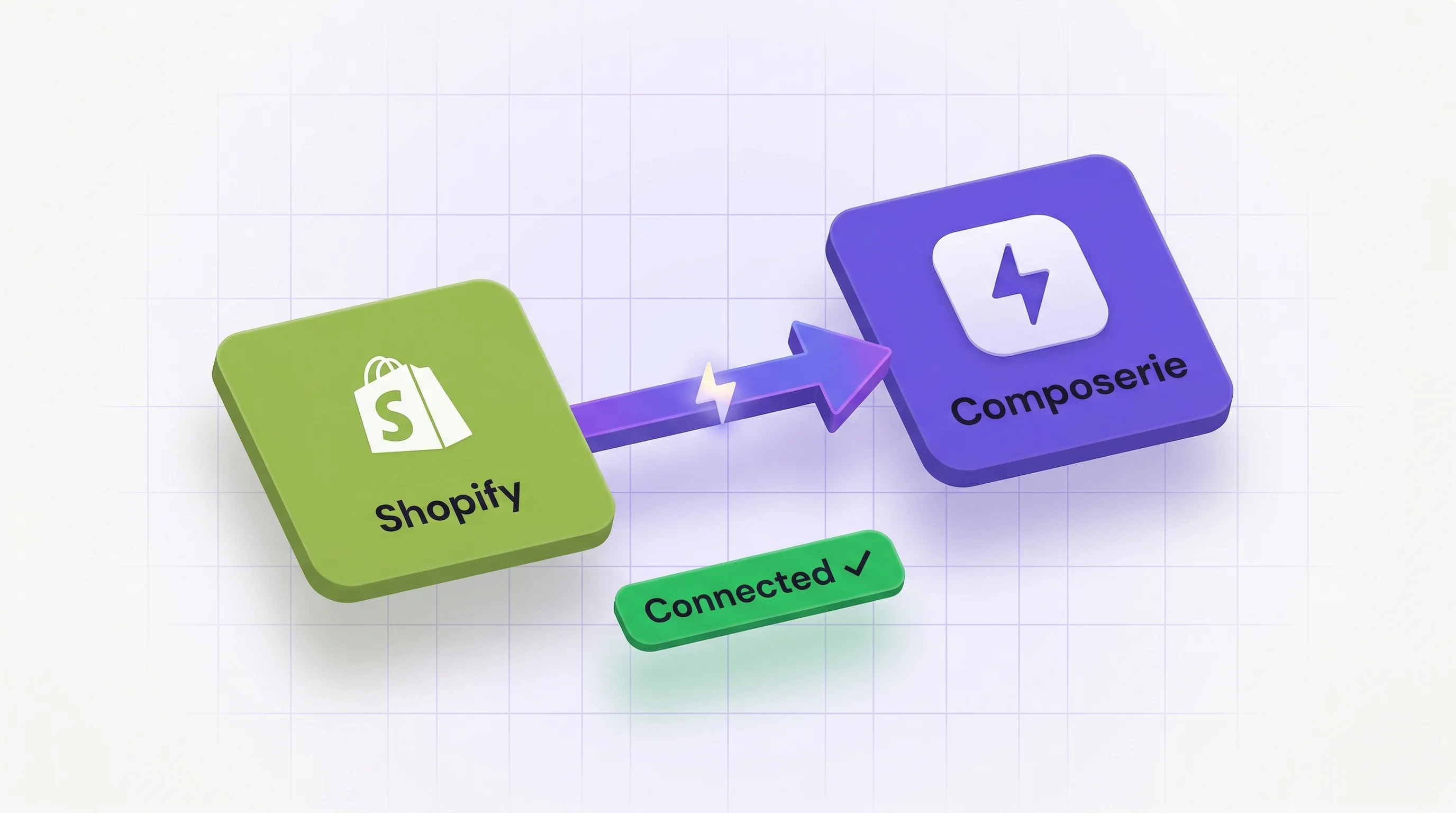
After signing up, head to Settings > Integrations and click Connect Shopify. You’ll be redirected to Shopify to authorize the Composerie app. Once connected, your products will begin syncing automatically.
Step 2: Create a Product Template
Navigate to Products > Create New and select a base product from your catalog. The Product Wizard guides you through:
- Choose a product from your synced Shopify catalog
- Select a print provider (PrintAPI, Printify, or your custom API)
- Open the Design Studio to create your template
Step 3: Design Your Template
The Design Studio is where the magic happens. Add personalization fields that your customers can customize:
- Text fields — Names, dates, messages
- Image uploads — Customer photos, logos
- Color pickers — Let customers choose colors
- Dropdown selectors — Font choices, size options
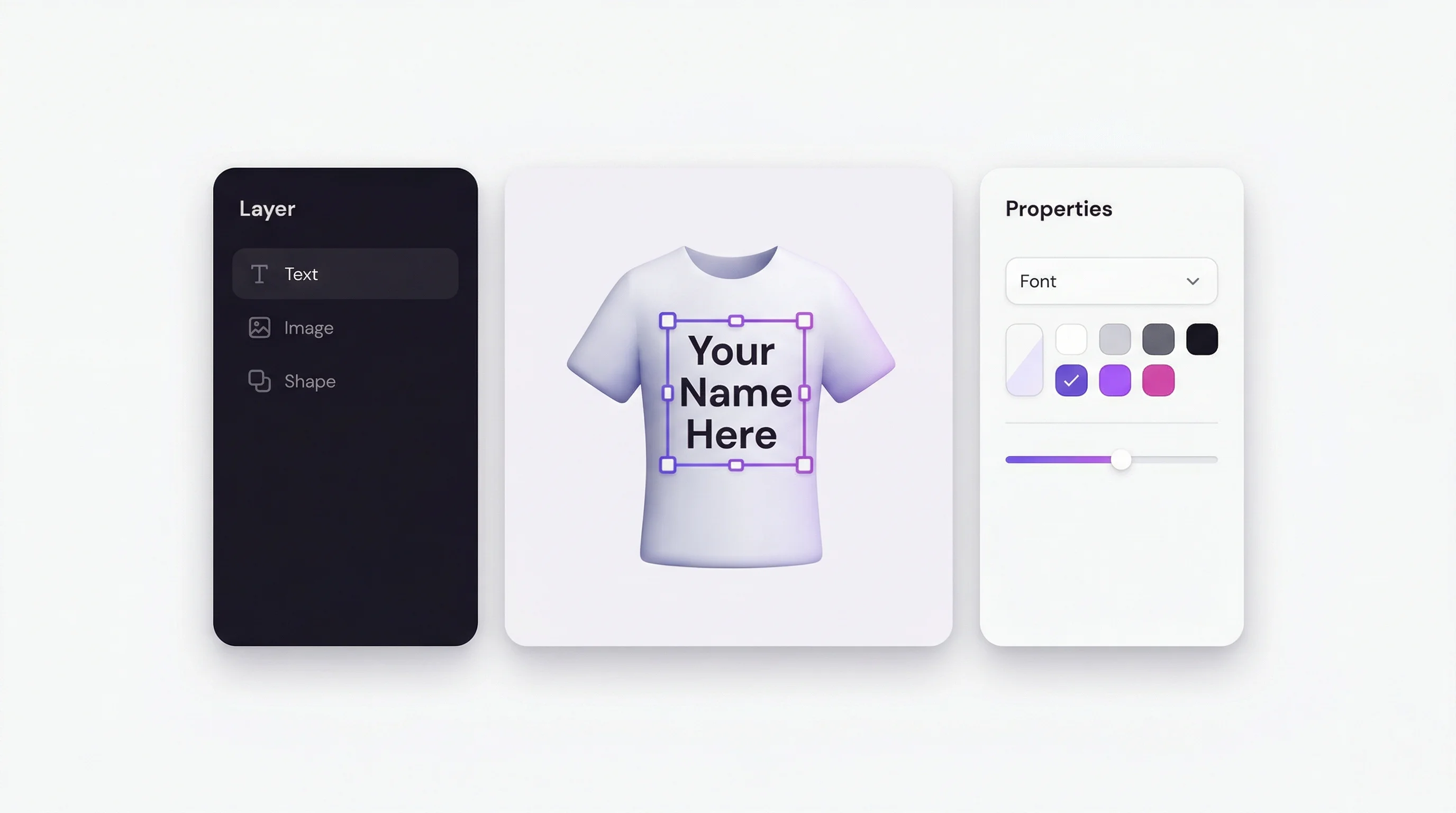
Arrange elements on the canvas, set constraints, and preview how the final product will look.
Step 4: Publish and Test
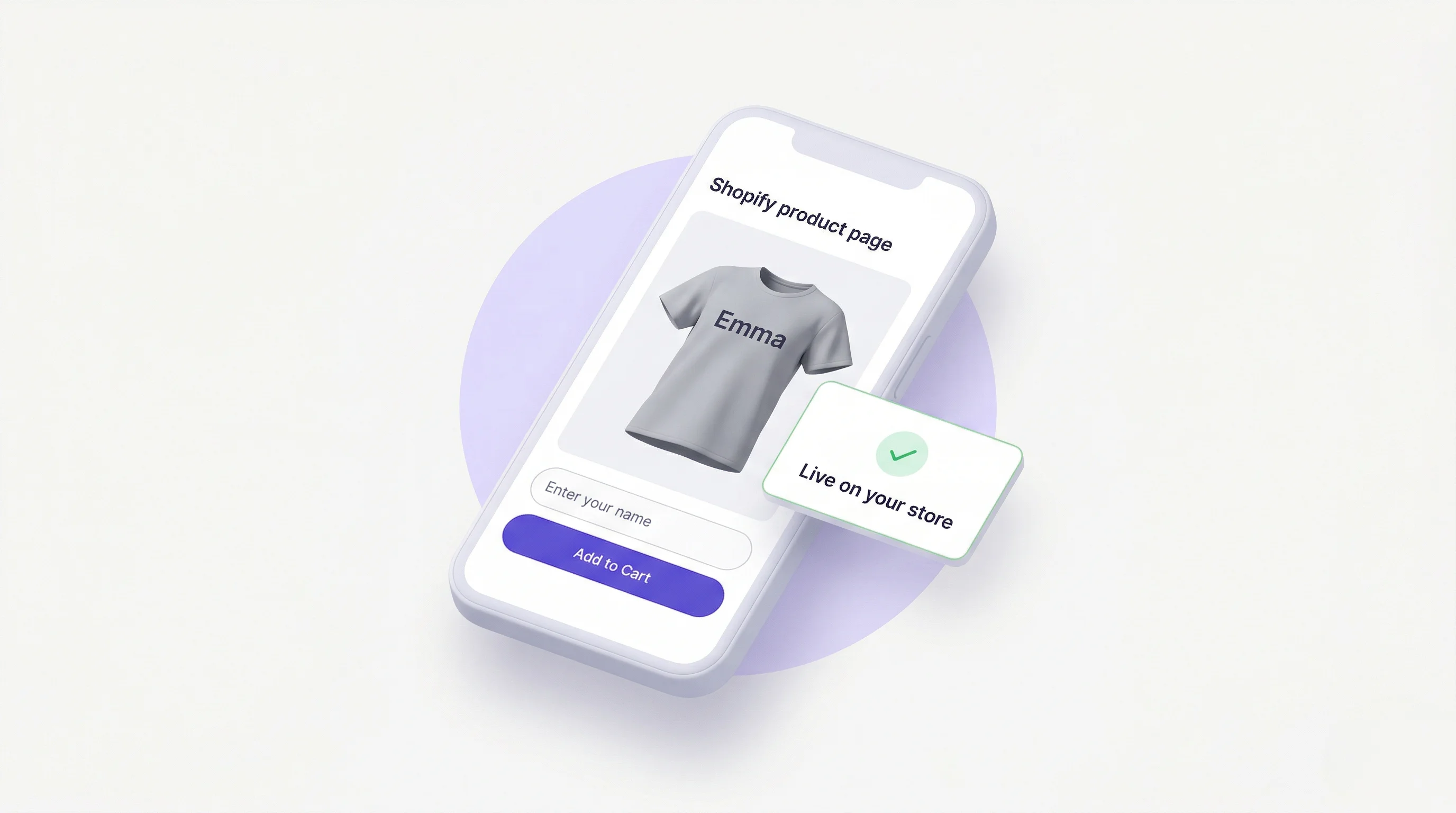
Once your design is ready, click Publish. The customizer will appear on your Shopify product page. Place a test order to verify the full flow — from personalization to print file generation.
What’s Next?
- Set up design approval workflows for quality control
- Configure analytics to track which personalizations are most popular
- Explore A/B testing to optimize your customizer layout
Need help? Visit our Help Center or reach out to [email protected].
Composerie Team
We bouwen Composerie en schrijven over het verkopen van gepersonaliseerde producten.
Meer lezen
Design Studio: Creating Your First Custom Product
Step-by-step tutorial for building custom products with the Composerie Design Studio. Learn block types, personalization fields, and canvas tools.
GuidesPrint-on-Demand Personalization: The Complete Guide
Learn how print-on-demand personalization works, how to connect fulfillment providers, and how orders flow from customer to delivery.
ComparisonComposerie vs Traditional Product Customizers: What's Different?
Compare Composerie's modern product customization platform with traditional Shopify customizer apps. Real-time preview, analytics, and more.